Home · Help · Terms of Service · Privacy Policy · Japanese
Announcements
November 2, 2026 — Greeting Cat Version 2 Released!
Photo and video editing, sharing, and weather displays have been updated.
Adjust the crop and size of your photos and videos, and save one image for all weather or different images for each type of weather.
In Forecast, check the weather for your current location or saved places. You can also read and listen to Weather memos, and set reminders for selected days and times.
What is Greeting Cat?
For cat lovers:
“Greetings with the weather”
That’s Greeting Cat.


What can you do with Greeting Cat?
Enjoy weather forecasts, greetings, and cat illustrations in one app. Make your morning weather check and social media greetings a little more relaxed and cheerful. Use your favorite photos and videos to create greeting images and videos with your own personal touch.
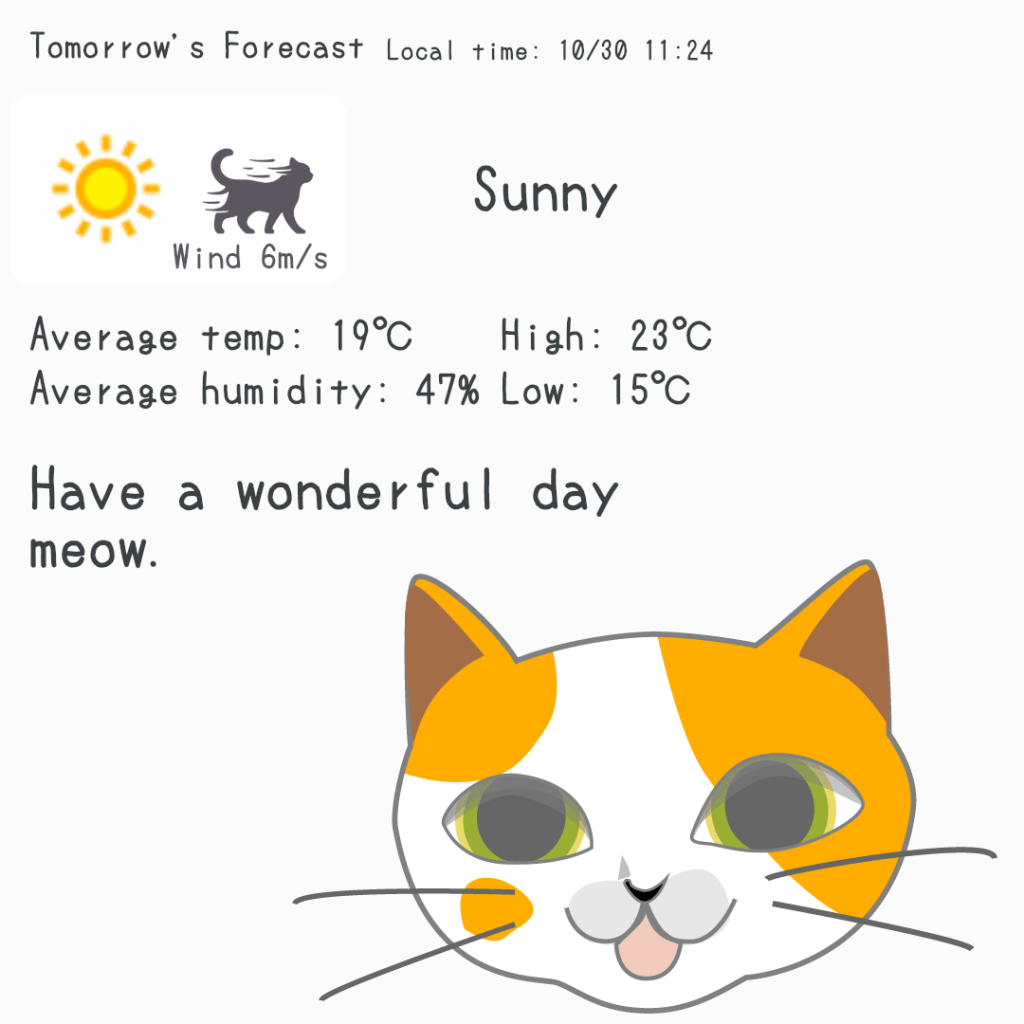
On Home, switch between Today’s Forecast, Current Weather, and Tomorrow’s Forecast. Greetings are chosen at random for the time of day, with some reflecting the weather. The default cat illustration changes with the weather, and you can replace it with your own photos or videos.
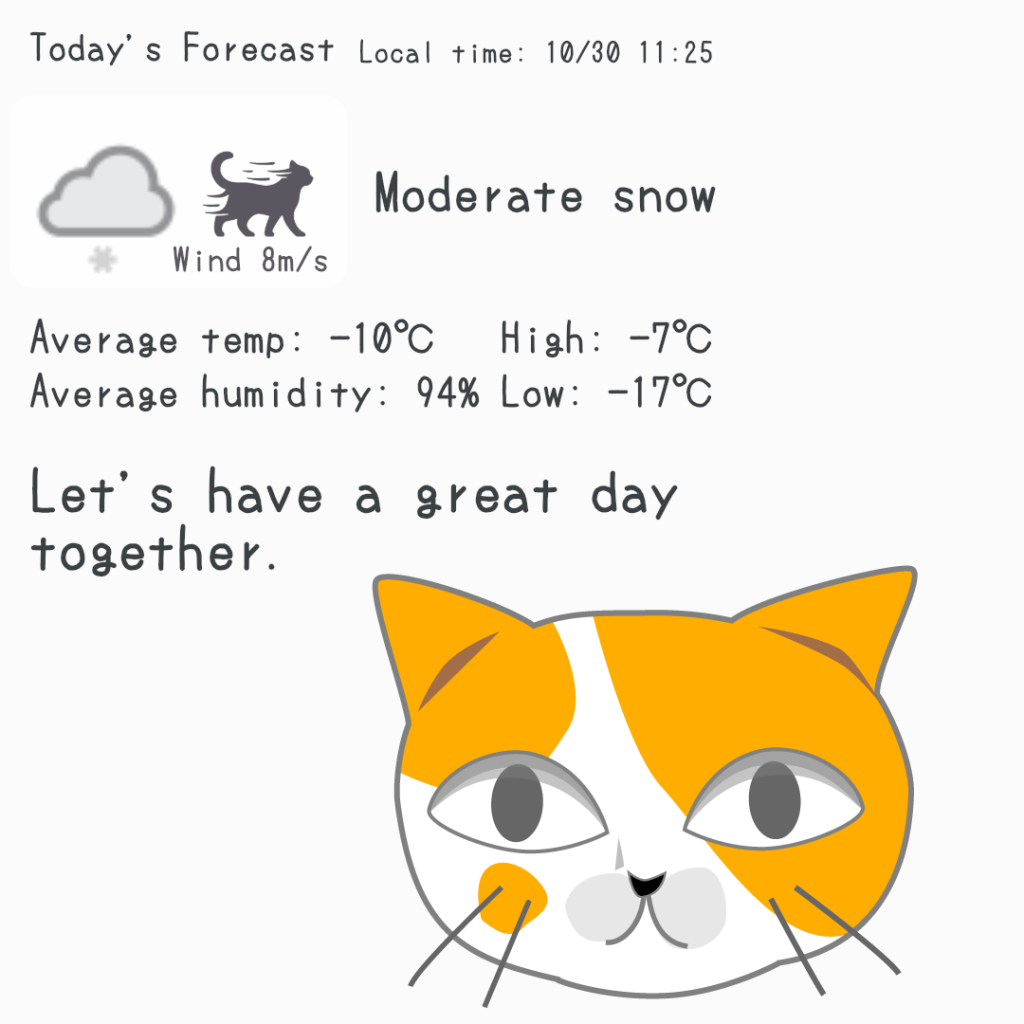
Share a greeting on social media
Use sharing to send images or videos with weather information and a greeting to social media and other apps. From a morning “Hello” to a bedtime “Good night,” greet someone with a favorite image. You can also change the accompanying sharing text in Settings.
Choose a square, portrait, or landscape shape for your photo or video. Drag to adjust the crop position, and pinch or use the slider to zoom. Use the same image for all weather, or save different images for different weather conditions. You can also import photos and videos through another app’s Share menu.
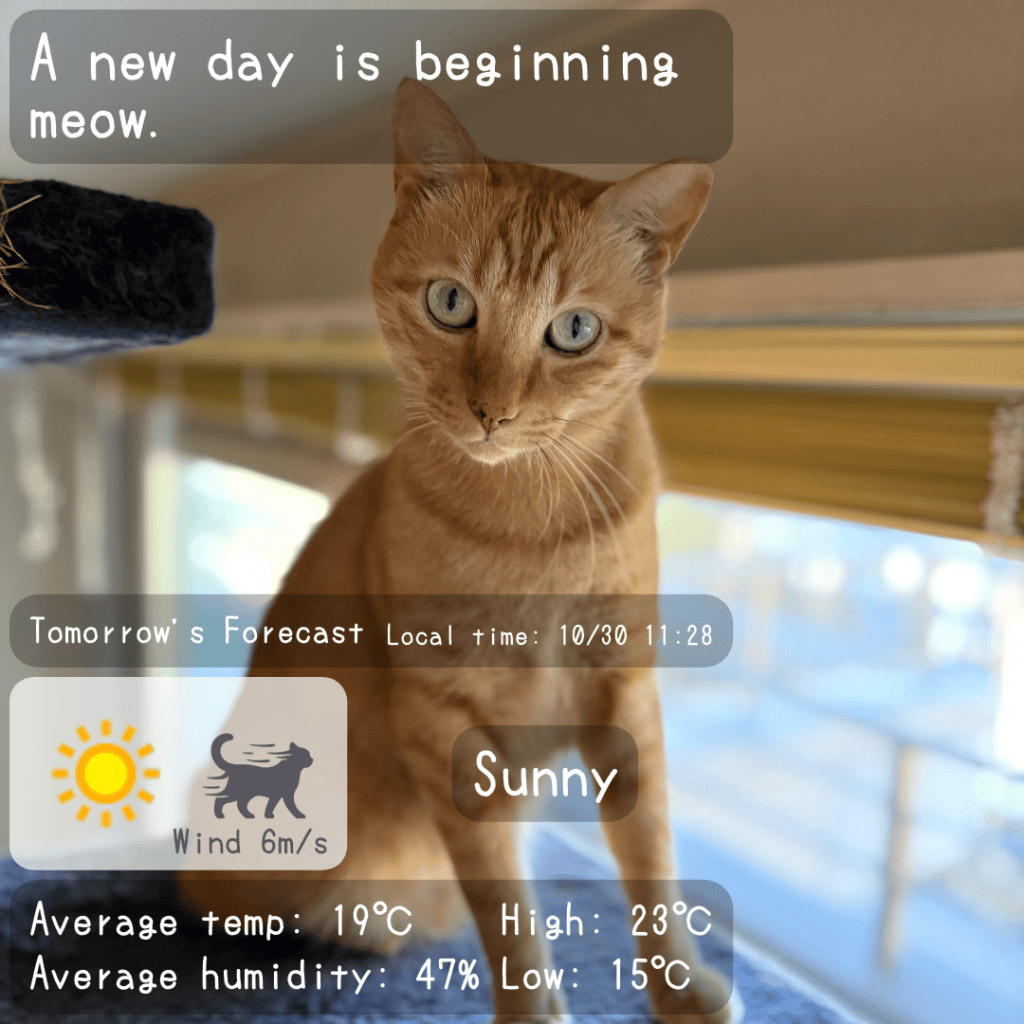
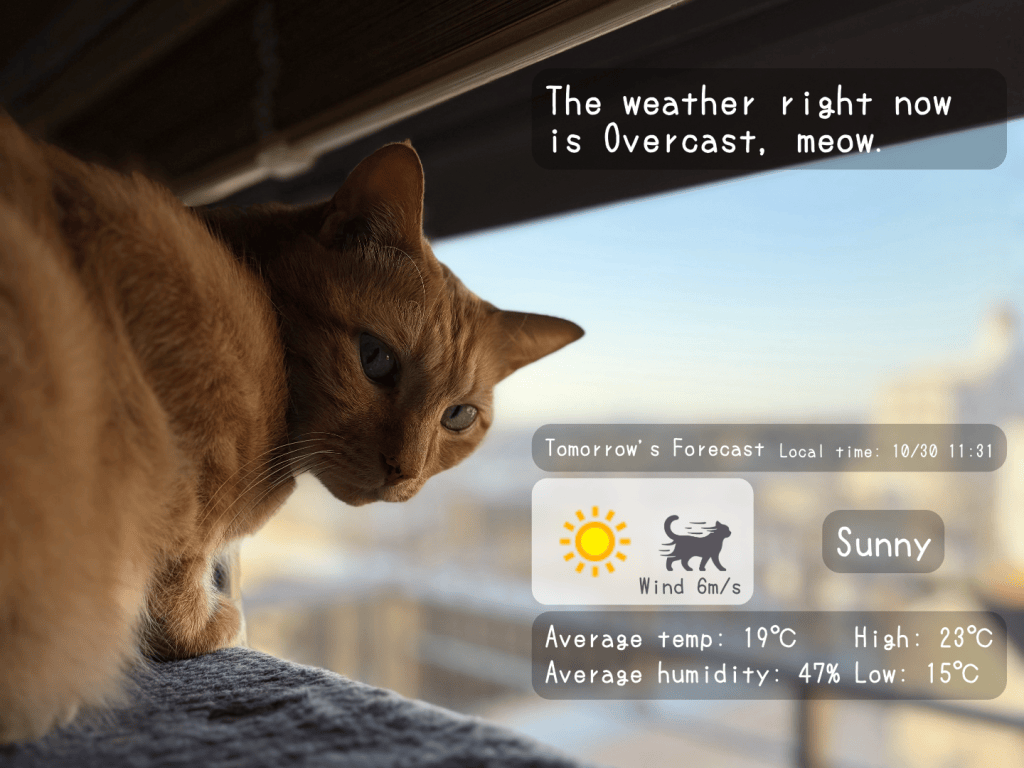
Share still images in PNG format and videos in MP4 format. Still images support square (1:1), portrait (3:4), and landscape (4:3). Videos support square (1:1), portrait (9:16), and landscape (16:9). Set the length from the start of a video in 1-second steps, up to 32 seconds, within its original length.
Check the weather
In Forecast, view hourly weather from the current hour through tomorrow in the selected location’s local time. Cycle through Basic, Rain/Snow, Wind, and Feels/UV to check temperature and humidity, rain and snow probabilities and amounts, wind speed and direction, feels-like temperature, UV index, and more.
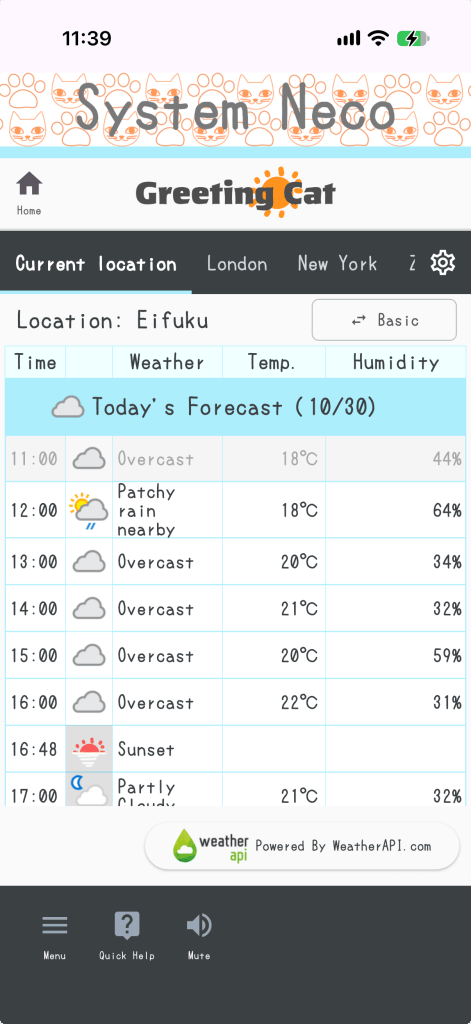
Check the weather for places that matter to you
Use the tabs in Forecast to switch between your current location and saved locations. Save up to 10 places, including locations selected on the map. Check the weather for home, your next outing, and other places in one app.
Read or listen to a Weather memo
Weather memos offer weather-related messages in text and audio. Open one using the icon beside the location name on Home. Change automatic display options in Menu → Settings.
A reminder when it’s time to say hello
Open Reminder at the bottom of Home to choose notification days and a time. Use it as a gentle prompt to check the morning weather or share a greeting. Allow notifications in your device settings to receive reminders.
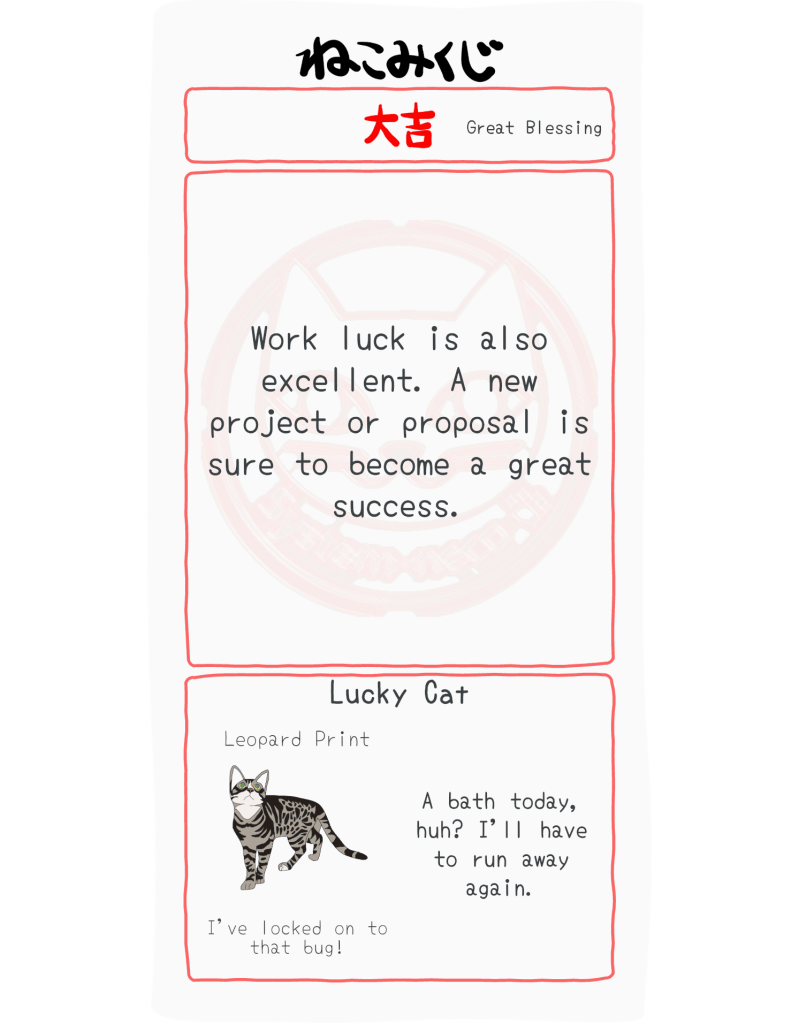
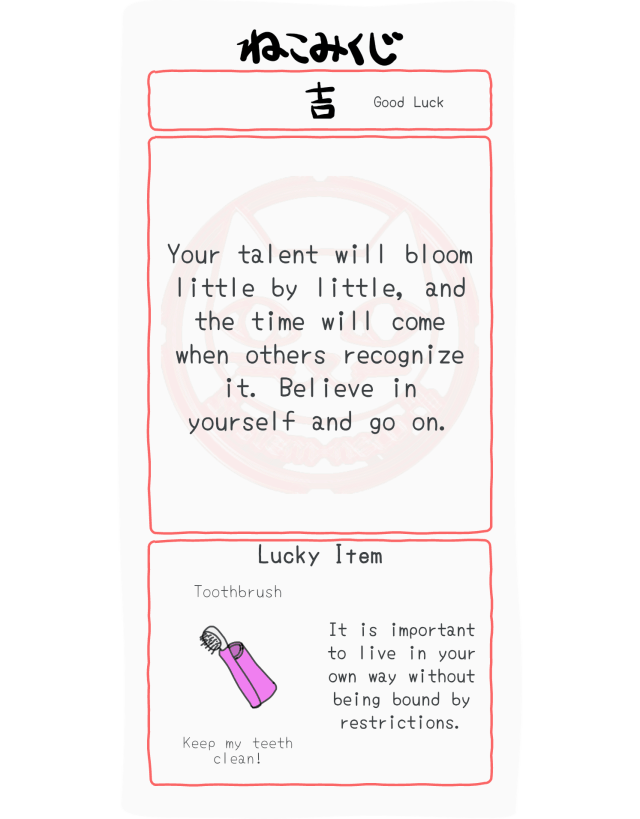
Try an Omikuji
Try your luck with Omikuji, Japanese fortune slips included as a little extra. They are just for fun—sometimes they may seem right, sometimes not! Your Lucky Item or Lucky Cat also appears on Home after you draw a slip.
Download Greeting Cat

Powered by System Neco
Greeting Cat is brought to you by System Neco. We’ll keep making relaxed, lighthearted apps that are handy to have around. Happy and lucky!
Contact us
For questions about the app, contact info@systemneco.com.

